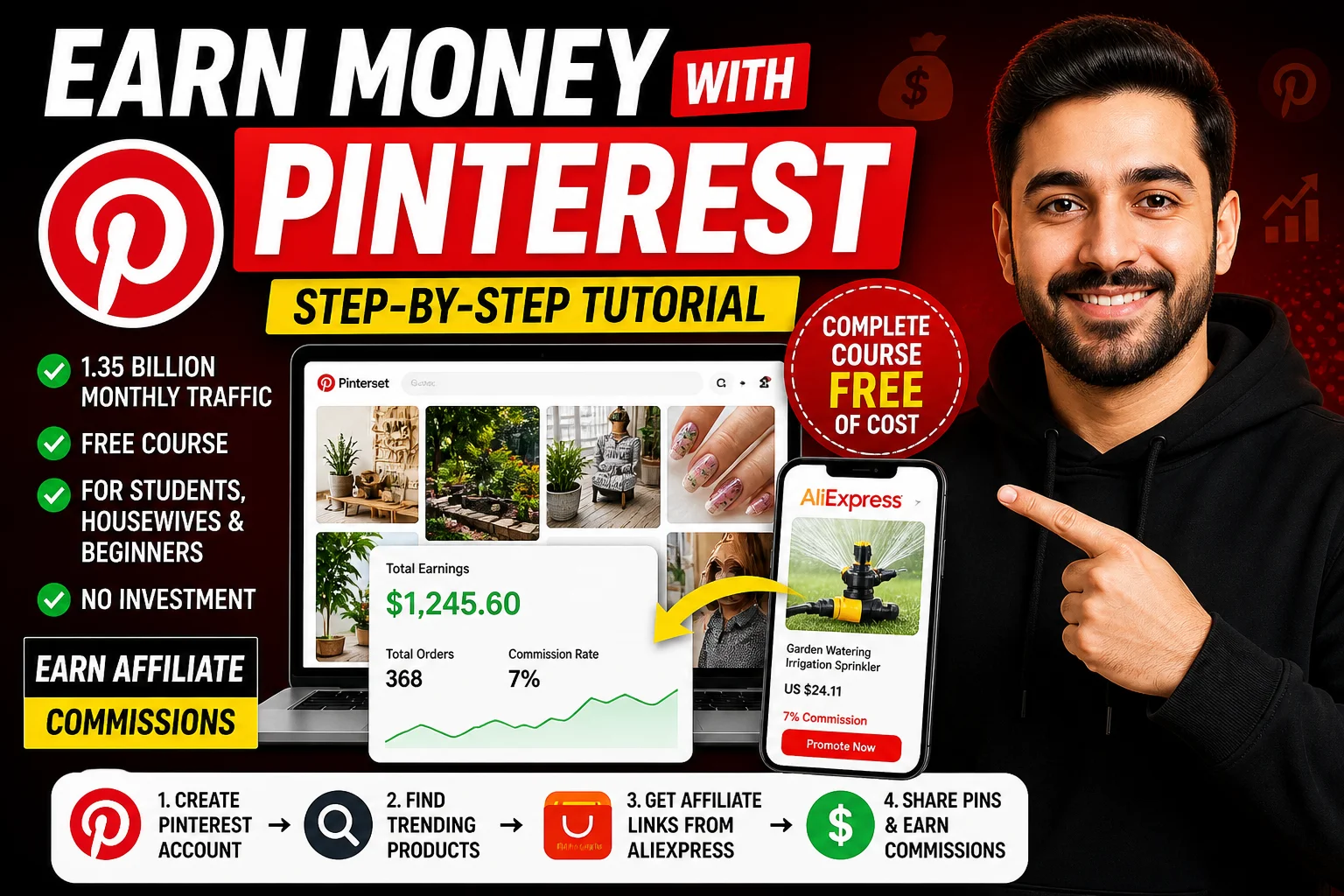
How to Earn Money from Pinterest Affiliate Marketing (Step-by-Step Free Course)
If you are a student, a housewife, or anyone who can spare just 1–2 hours daily, then this complete guide is for you. In this blog post, I will show you how people are making money using Pinterest Affiliate Marketing step by step — completely free.
Pinterest is a massive platform with over 1.3 billion monthly traffic. People use it to discover photos, videos, ideas, and products. But the real question is — how are people earning from Pinterest? Let’s break it down in a simple, practical way.
Step 1: Understanding Pinterest Traffic
Before starting anything, it's important to understand the platform:
- Monthly Traffic: 1.3+ Billion
- Average Visit Duration: 7 minutes
- Top Audience: Ages 25–34
- Traffic Source: Mostly organic and direct
This means Pinterest is a goldmine for free traffic.
👉 Learn more about Pinterest here: Visit Pinterest
Step 2: Create a Pinterest Account
You can sign up easily via mobile or desktop:
- Go to Pinterest website
- Click on Sign Up
- Enter your email, password, and date of birth
- Choose your interests (fashion, travel, DIY, etc.)
After creating your account, convert it into a Business Account to unlock features like analytics and ads.
Step 3: Set Up Your Profile Properly
Optimize your profile:
- Add a professional username
- Write a catchy bio (you can use AI tools like ChatGPT)
- Upload a profile picture
- Add your website (optional)
👉 Try ChatGPT here: Use ChatGPT
Step 4: Find Trending Products
Go to Business Hub → Analytics → Trends to find trending niches.
Some trending categories include:
- Gardening tools
- Watering & irrigation systems
- Fashion & accessories
- DIY home decor
Focus on products with increasing demand and long-term potential.
Step 5: Join AliExpress Affiliate Program
Now it's time to monetize your traffic.
👉 Join here: AliExpress Affiliate Portal
Steps:
- Register using your email
- Verify with OTP
- Add your social media links
- Select categories (Home, Fashion, etc.)
Approval usually takes less than 1 hour.
Step 6: Choose a Product
Inside the affiliate dashboard:
- Go to Ad Center
- Search for trending products (e.g., watering irrigation)
- Check commission rate (usually 5%–10%)
Copy your affiliate link and download product images.
Step 7: Create Pinterest Pins Using AI
Use ChatGPT to create:
- SEO-optimized product title
- Catchy description
- Attractive pin content
Example prompt:
Write an SEO-optimized Pinterest pin description for this product.
Step 8: Upload Your Pin
Now upload your content on Pinterest:
- Click on Create Pin
- Upload product image
- Add title & description
- Paste your affiliate link
- Add relevant tags
- Publish
Repeat this process daily with multiple products.
Step 9: How You Earn Money
Whenever someone clicks your pin and buys the product using your link, you earn a commission.
You can track earnings inside AliExpress dashboard:
- Total clicks
- Orders
- Estimated earnings
Withdraw your money by adding your bank account.
Step 10: Consistency is the Key
This is the most important part.
If you upload:
- 20 pins daily → 600 pins/month
- 3 months → 1800 pins
Even if a few pins go viral, you can start earning consistently.
Don’t expect results on day one. Stay consistent for at least 2–3 months.
Final Thoughts
This is a complete free course on Pinterest affiliate marketing. No investment, no product handling, no inventory — just smart work and consistency.
Remember:
- Consistency beats everything
- Focus on trending products
- Use AI tools to save time
If you stay consistent, success is guaranteed.
👉 Also explore more earning ideas: Affiliate Marketing Guide
Conclusion
Work hard, stay consistent, and trust the process. In just a few months, you can build a passive income stream using Pinterest.
See you in the next guide. Take care and keep working towards your goals!