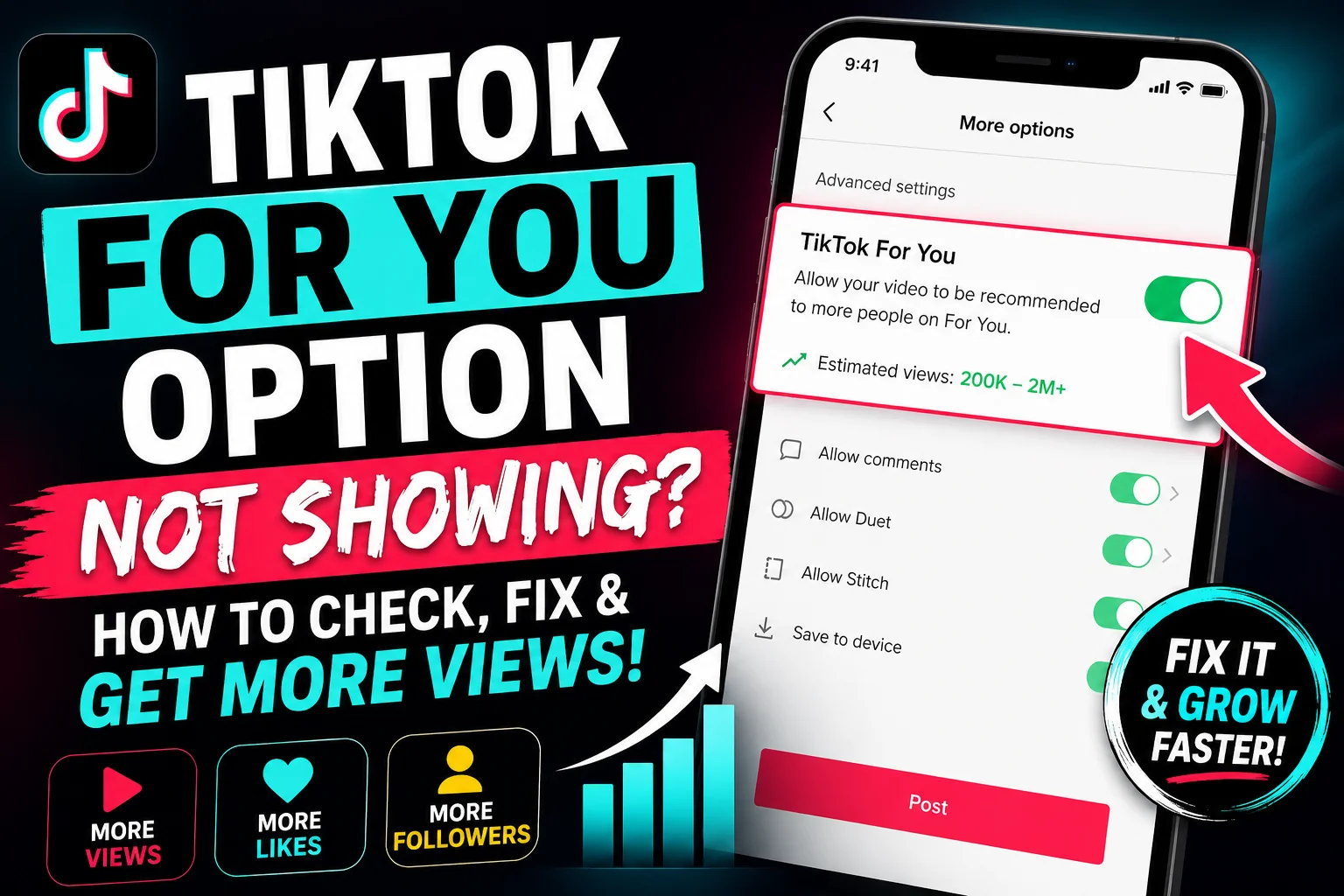
TikTok For You Option Not Showing? How to Check, Fix, and Increase Views
TikTok For You Option Not Showing? Here's How to Check and Request It
Have you been struggling to get views, likes, and followers on TikTok? Are your videos not reaching the audience you expect? If you're facing these issues, you may have come across discussions about a feature called the "TikTok For You" option.
In this guide, we'll explain what this feature is claimed to do, where users say it appears, and what steps you can take if it's not showing on your account.
Why Are Your TikTok Videos Not Going Viral?
Many TikTok creators experience periods where their videos receive very few views, likes, or followers. This can happen for several reasons, including:
Poor audience targeting
Inconsistent posting schedule
Low engagement rates
Content that doesn't follow current trends
Account restrictions or limited distribution
According to TikTok's official guidelines, content visibility is determined by various ranking signals such as watch time, engagement, video information, and user preferences.
Learn more from TikTok's official resources:
What Is the TikTok "For You" Option?
Some users claim that TikTok provides a special "TikTok For You" option within advanced posting settings. According to these claims, enabling the feature may help videos receive better distribution through the For You Page (FYP).
However, it's important to note that TikTok has not officially confirmed the existence of a feature that guarantees views, likes, followers, or viral performance.
The TikTok For You Page itself is the platform's recommendation system that shows users personalized content based on their interests and engagement history.
How to Check If the Option Is Available
If you want to check whether the option appears on your account, follow these steps:
Step 1: Open TikTok
Launch the TikTok app on your smartphone.
Step 2: Upload a Video
Tap the "+" icon and select a video you want to upload.
Step 3: Fill in the Details
Add:
Video description
Hashtags
Mentions (if needed)
Audience settings
Make sure the visibility is set to Everyone so that your content can be discovered by a wider audience.
Step 4: Open More Options
Before posting, look for a More Options section.
Some users report seeing additional advanced settings here. If the claimed "TikTok For You" option appears, they recommend enabling it before publishing the video.
What If the Option Is Not Showing?
If you cannot find the option, try the following steps.
Update TikTok
Open the Google Play Store or Apple App Store.
Search for TikTok.
If an update is available, install it.
Running the latest version ensures access to the newest features and bug fixes.
Contact TikTok Support
If you believe a feature is missing from your account, you can contact TikTok support directly.
Steps:
Open the Play Store.
Search for TikTok.
Scroll down to the app information section.
Locate the support or developer contact details.
Send a message explaining the issue.
Suggested subject line:
TikTok For You Option Not Showing
Describe the issue clearly and include screenshots showing the posting screen where the option is missing.
Screenshots often help support teams understand the problem more quickly.
Can This Help Increase Views and Followers?
There is no official evidence that any hidden setting can automatically make videos go viral.
The most effective way to increase TikTok reach remains:
Posting consistently
Using trending sounds
Creating engaging content
Keeping viewers watching until the end
Using relevant hashtags
Following TikTok Community Guidelines
TikTok's recommendation system evaluates content quality and audience engagement rather than guaranteeing success through a single setting.
Best Practices for Getting More Views on TikTok
Here are some proven methods used by successful creators:
1. Hook Viewers in the First 3 Seconds
The beginning of your video is critical. Grab attention immediately.
2. Use Trending Sounds
Popular sounds can improve discoverability.
3. Post Consistently
Uploading regularly helps TikTok understand your content category.
4. Create Short, Engaging Videos
Videos with higher completion rates often perform better.
5. Encourage Interaction
Ask viewers to:
Like
Comment
Share
Follow
More engagement can improve distribution.
Final Thoughts
If you're not getting views on TikTok, checking your posting settings and keeping your app updated is always a good idea. While some creators discuss a "TikTok For You" option, there is currently no official confirmation that it guarantees viral success.
Instead, focus on creating valuable content, following trends, and engaging with your audience consistently. Over time, these strategies provide the best chance of growing your TikTok account and reaching the For You Page.
For additional TikTok guidance, visit:
Have questions about TikTok growth? Feel free to leave a comment and share your experience.